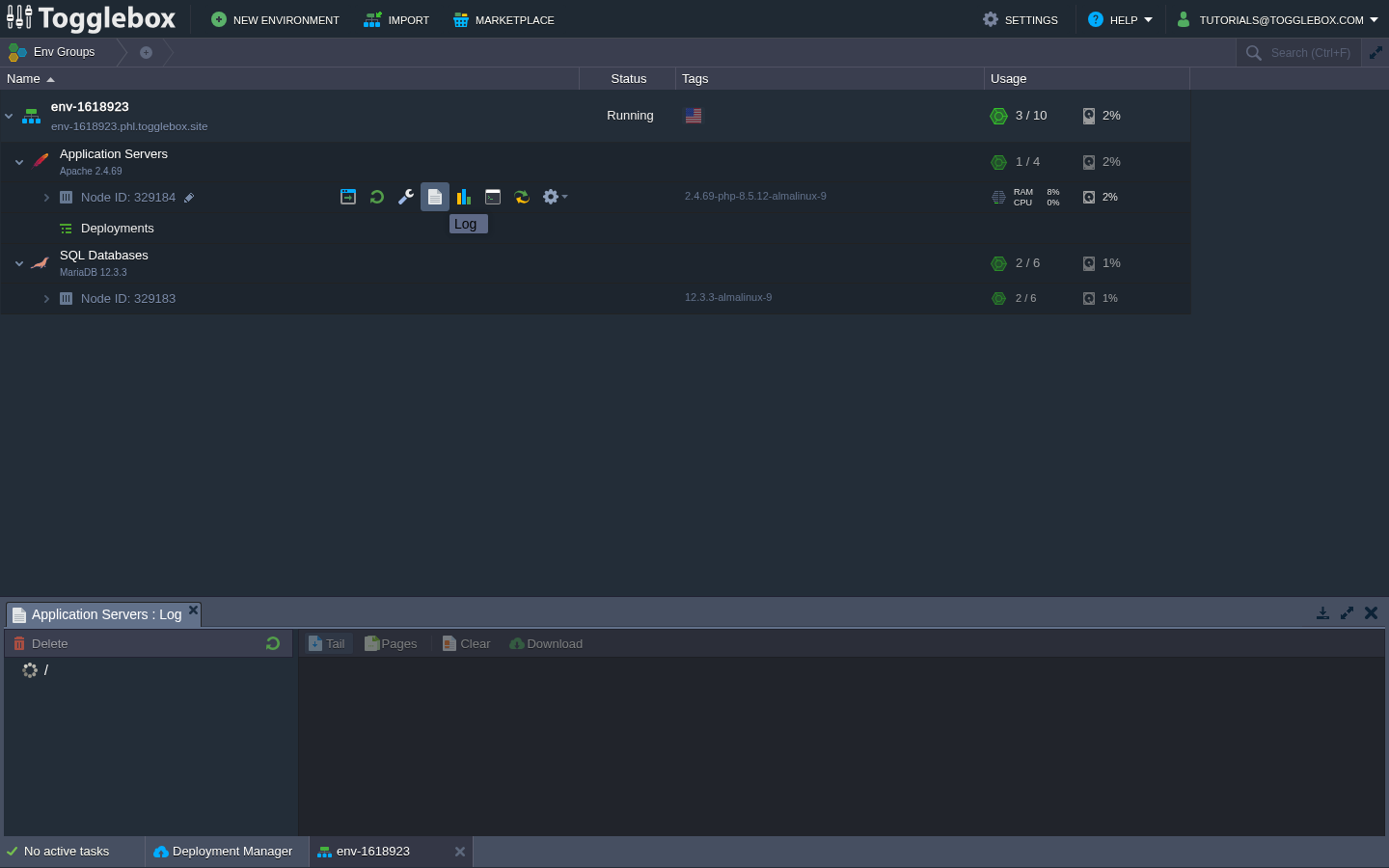
Before changing WAF protection, find the failed WordPress request in an error or audit log. A 403 response alone does not tell you which rule blocked it.
- Record the action that fails, its URL path, the response code, and the time with its timezone. Repeat it once if doing so is safe.
- Expand the App Hosting environment and identify the application or load-balancer node serving the request. Hover over the node and open Log.
- Check the relevant web error or WAF audit log for the same request. Look for a rule ID and the reason for the block. Log files vary by image and application; if the relevant log is unavailable, ask support to locate it.
- Send support the environment, node ID, request path, timestamp, rule ID if present, and reproduction steps. Remove passwords, cookies, authorization headers, and tokens from any excerpt.
- After correcting the rule or setting that caused the block, repeat the action with protection enabled.
Avoid disabling the entire WAF for one blocked request. If you find no matching log entry, check whether WordPress, authentication, a proxy, or another access rule returned the response.