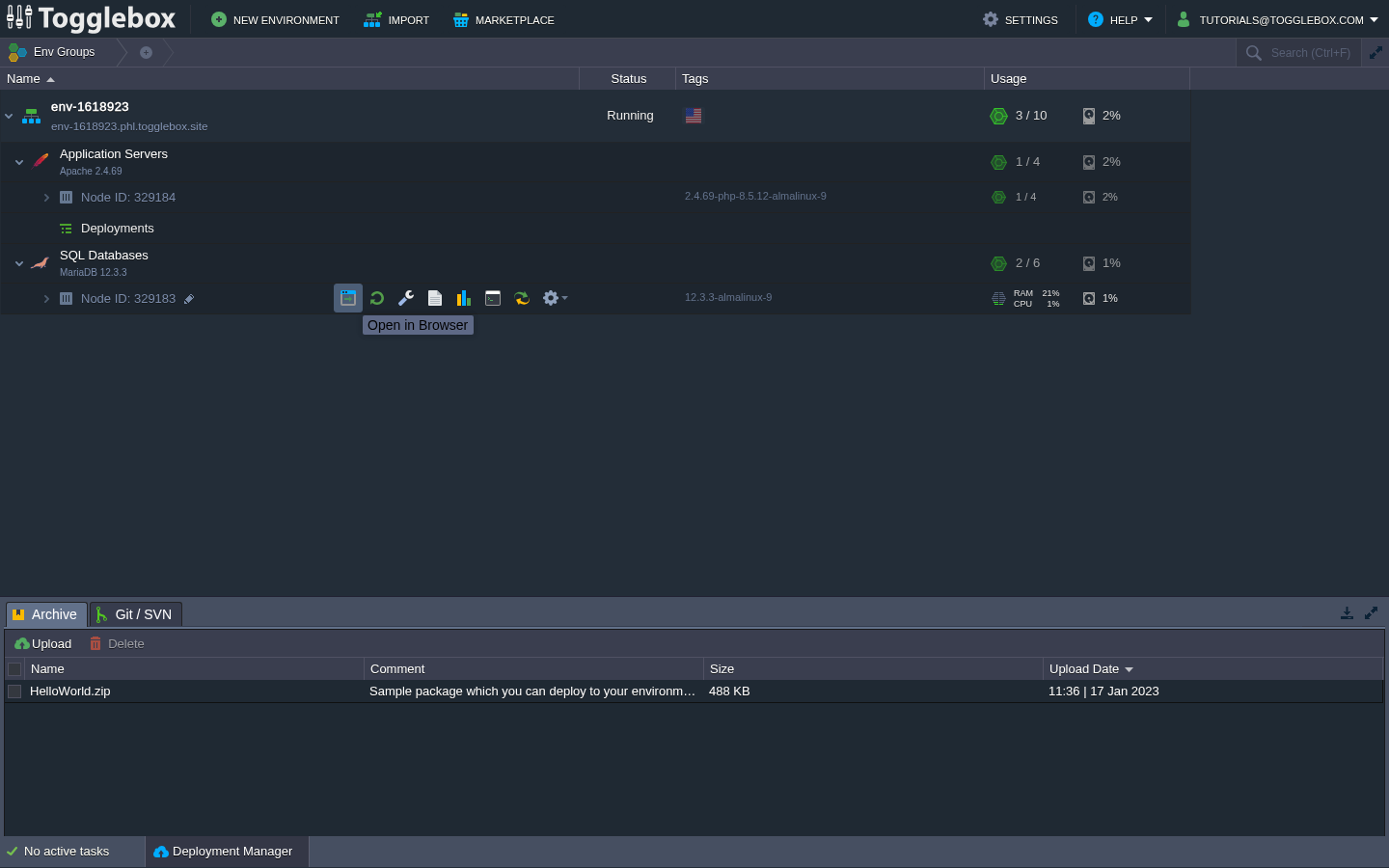
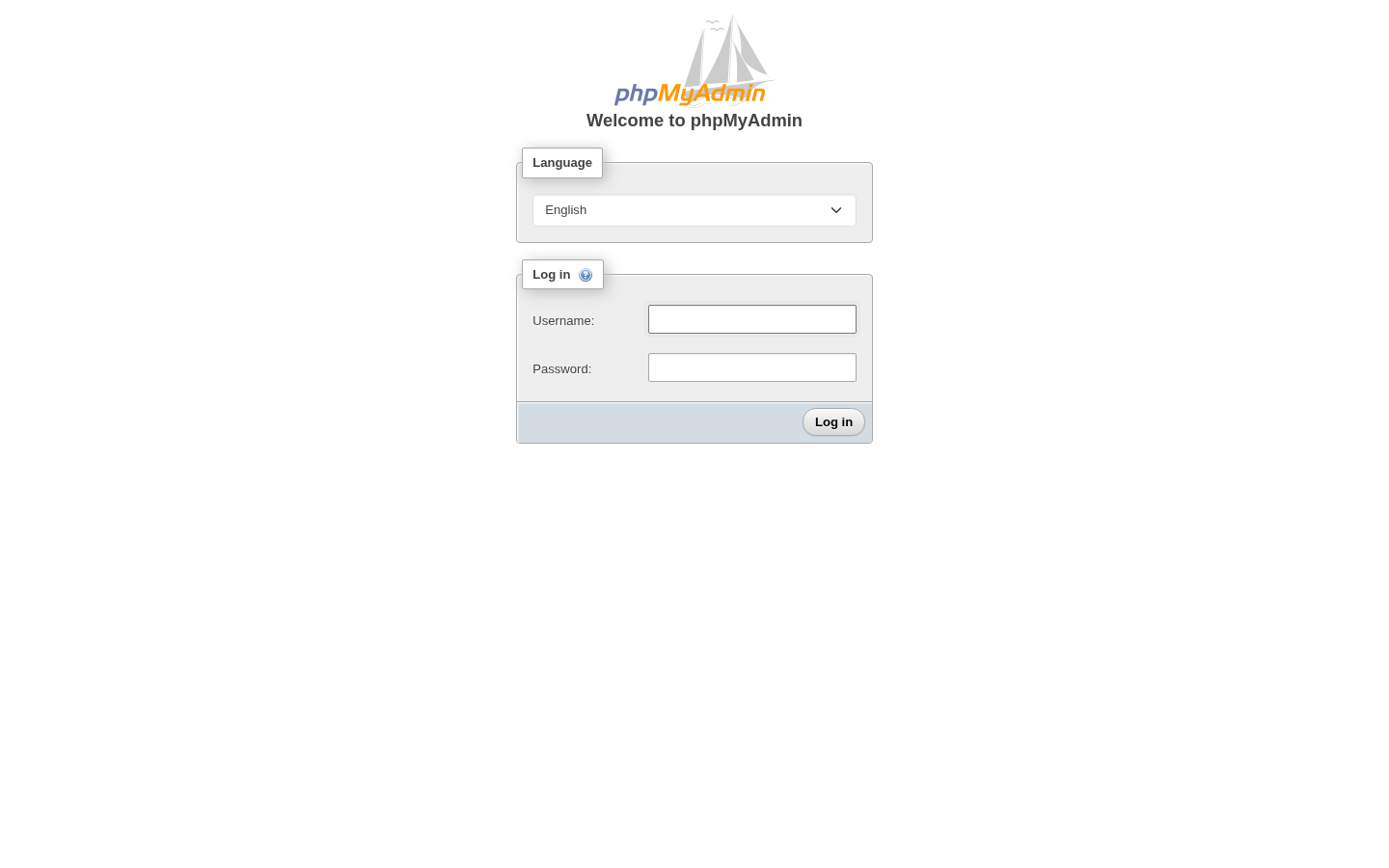
Open phpMyAdmin from the database node you want to manage.
- Expand your App Hosting environment, then find the node under SQL Databases. Note its Node ID.
- Hover over that database node and click Open in Browser. For the tested MariaDB image, this opens the phpMyAdmin login page.
- Check the hostname and HTTPS connection, then enter the database account in Username: and Password:. Use your database credentials, which may differ from your dashboard login.
- If the page returns an access or routing error, send support the environment, node ID, hostname, exact error, and timestamp. If sign-in fails, ask about the database account or password before changing network access.
Do not repeatedly enable public database access to work around a browser error. The administration method depends on the image and security configuration. Ask support how to connect if the node link does not work.