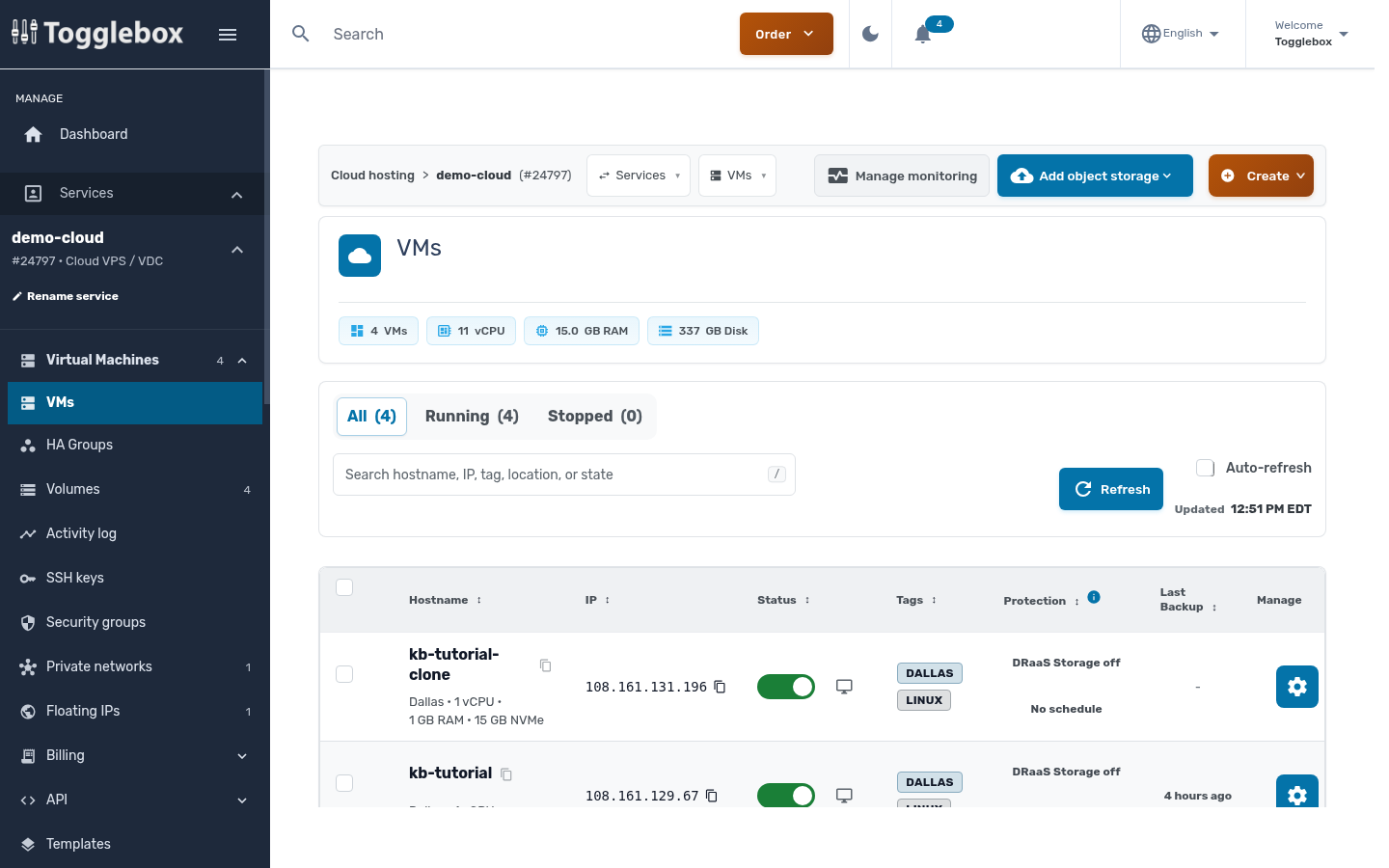
You manage your Cloud VPS VMs from the client area. Open Services, pick your Cloud VPS service, and you land on the VM list.
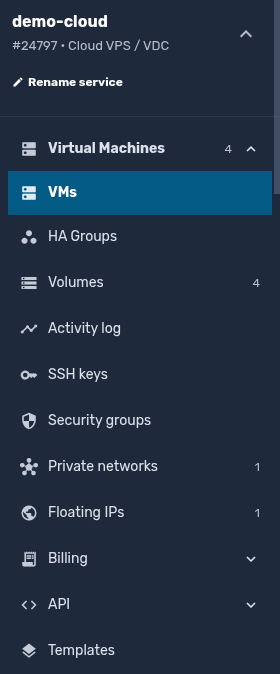
The service menu on the left reaches everything that isn't tied to one VM: volumes, SSH keys, security groups, private networks, floating IPs, billing, and API tokens.
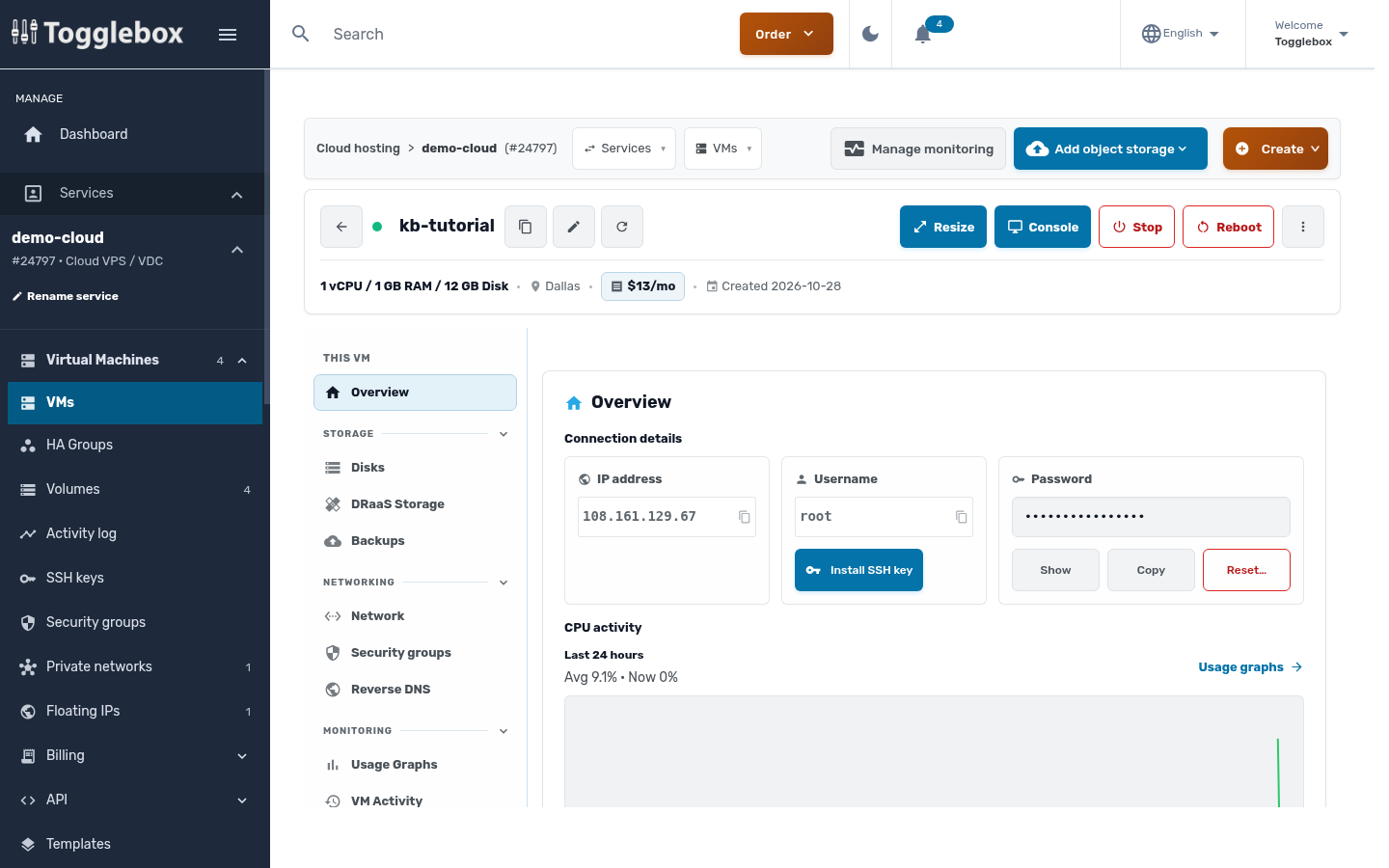
Click a VM to open it. Power controls, Resize and Console sit across the top. The More actions button (three dots) holds Clone VM, Save as template, Rescue Mode, Reinstall VM and Delete VM. The menu on the left has the VM's disks, backups, network interfaces, security groups, reverse DNS and usage graphs.
If you use Terraform or scripts, the API token page under API in the service menu shows the endpoint and credentials.