An extra IPv4 address is added as an IP alias on an existing network interface. It uses the next free address on that network and is billed like any other IP.
- Open the VM and click Network in the left menu.
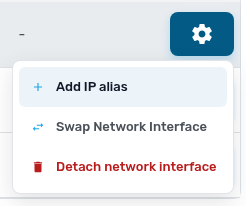
- Click the settings button on the public interface and choose Add IP alias.
- Confirm. The new address shows in the IP aliases column.
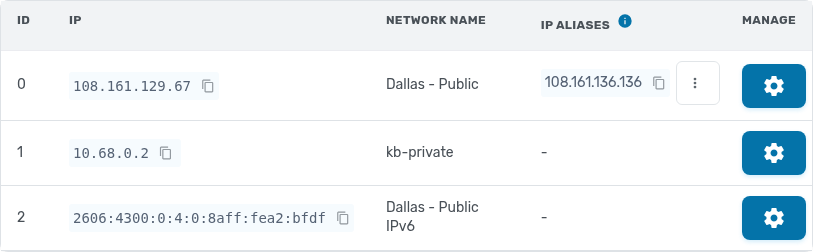
With the contextualization service installed, the VM picks up the address within a few seconds, with no reboot. Check with ip a on Linux. Each alias can later be moved to another VM or removed from the same menu.
Need one address shared by several VMs, for example with keepalived? Use a floating IP from Floating IPs in the service menu instead.