IPv6 is free. It attaches as a separate network interface on the public IPv6 network for your data center.
- Open the VM and click Network in the left menu.
- Under Add network interface, choose the Public IPv6 network for the VM's data center.
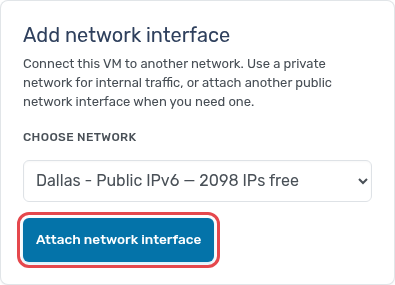
- Click Attach network interface and confirm.
With the contextualization service installed, the VM configures the address on the new interface by itself. You can also add IPv6 when you create a VM, under Advanced networking.