Entering and leaving Rescue Mode restarts the VM. Save your work first. Repairs that write to a disk change its data.
Rescue Mode starts a live Linux environment so you can inspect or repair an installed system that no longer boots.
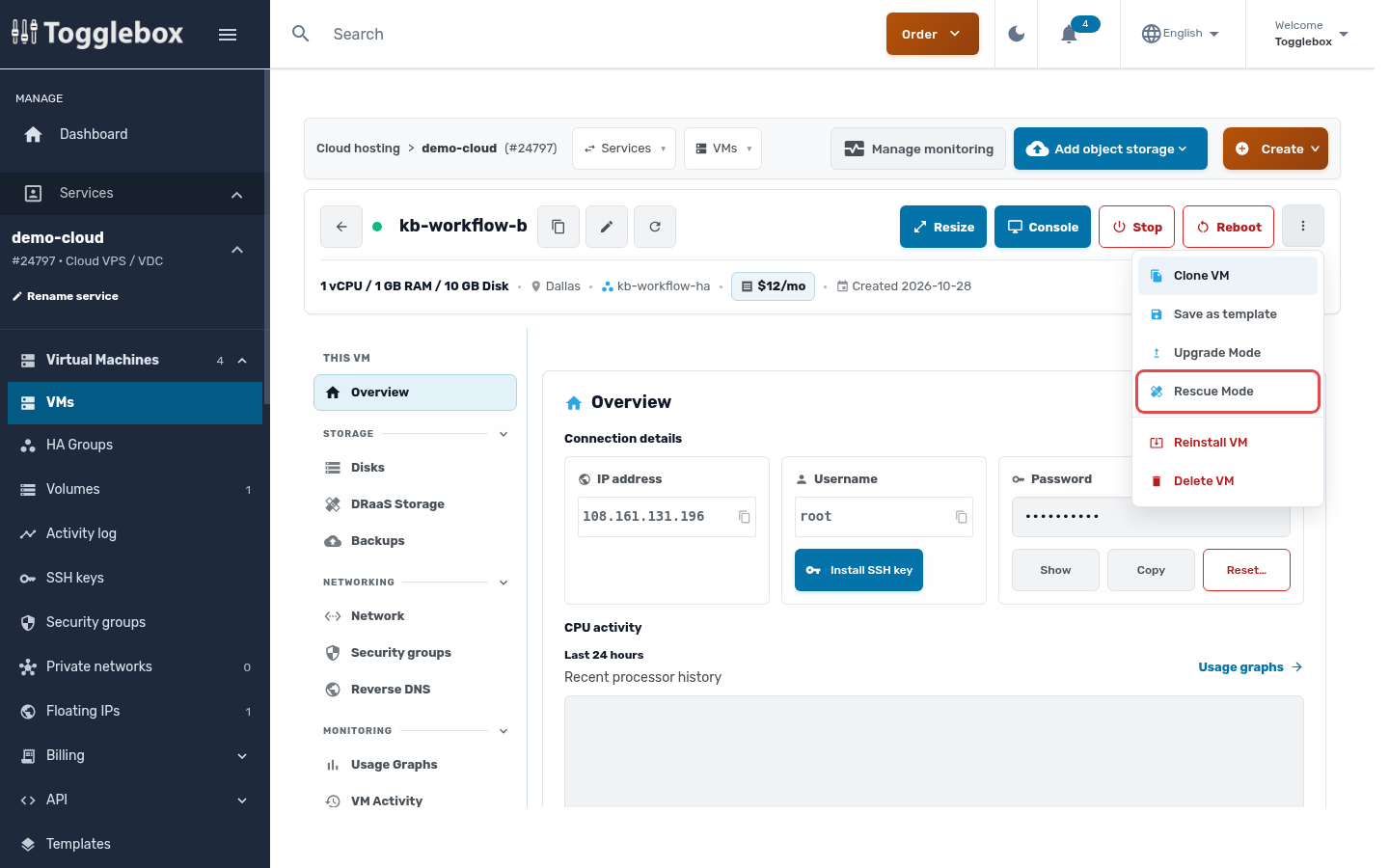
- Open the VM, open the three-dot menu at the top, and choose Rescue Mode.
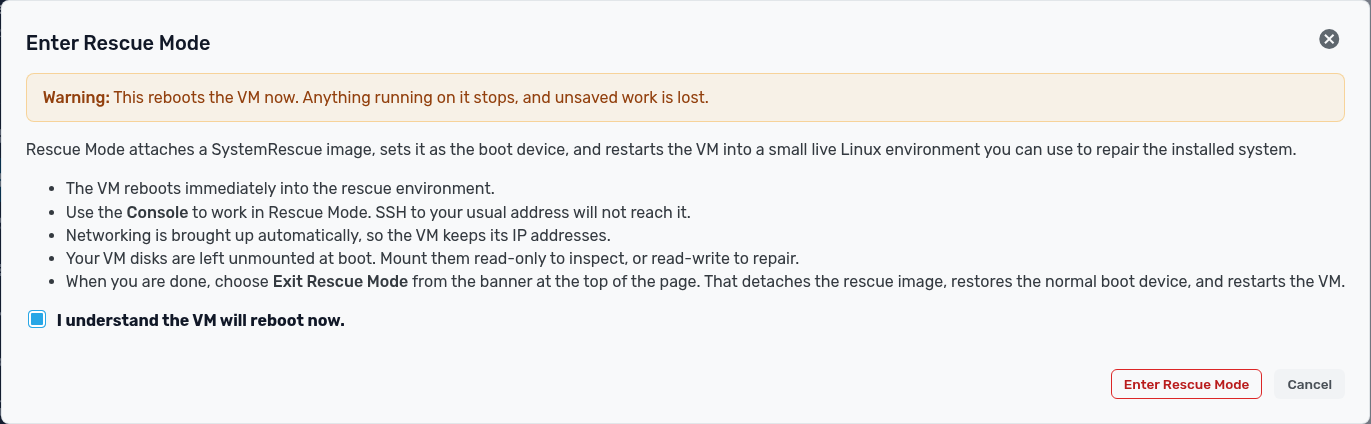
- Read the warning, select I understand the VM will reboot now., and click Enter Rescue Mode. Wait for the operation to finish.
- Open Console to work in the rescue environment. Wait for it to finish booting. If a login prompt appears, use the rescue credentials in the banner. Your installed system’s credentials are separate.
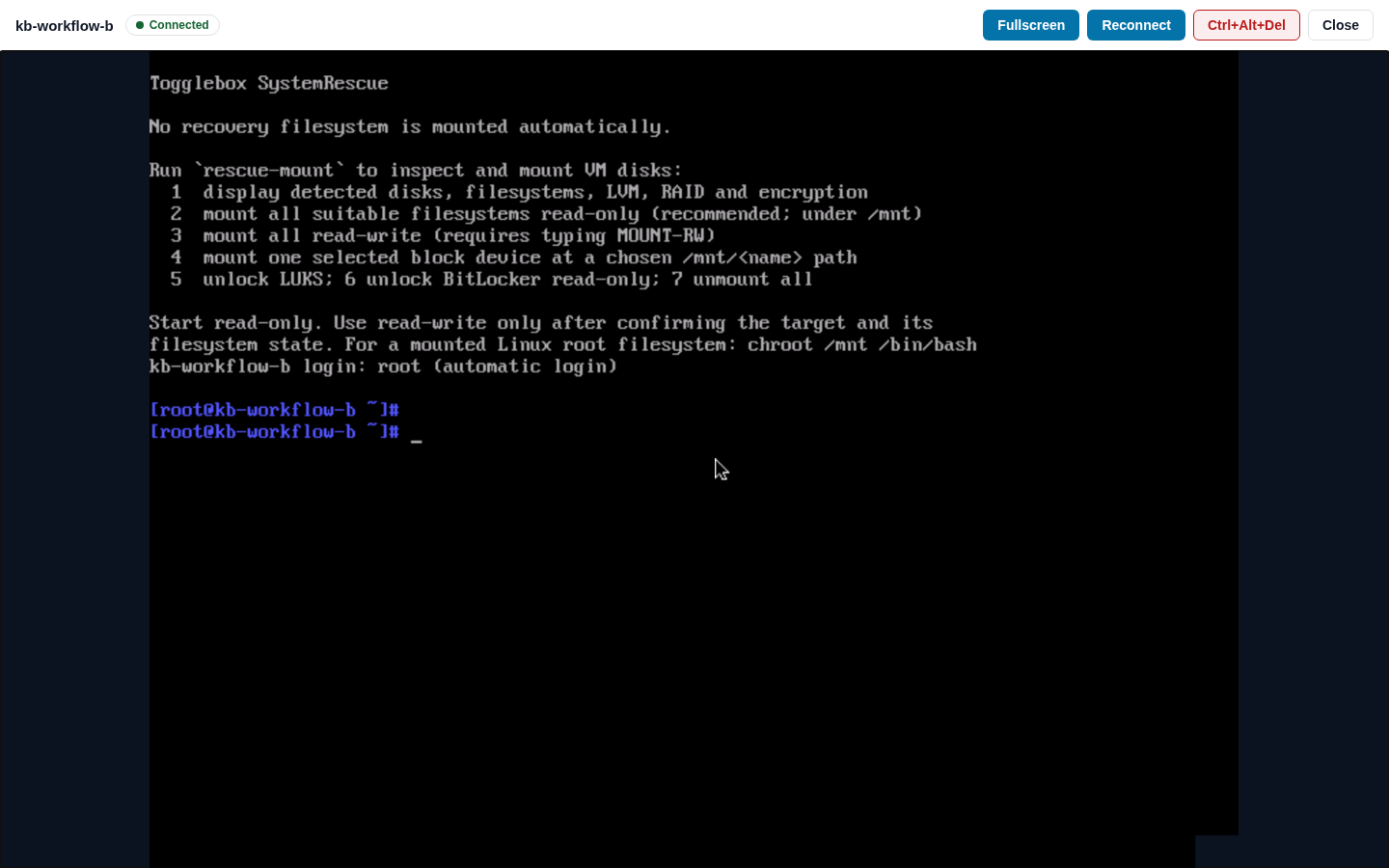
- The VM disks start unmounted. Identify the disk you need before mounting it. Mount it read-only for inspection, or read-write only when your repair requires changes.
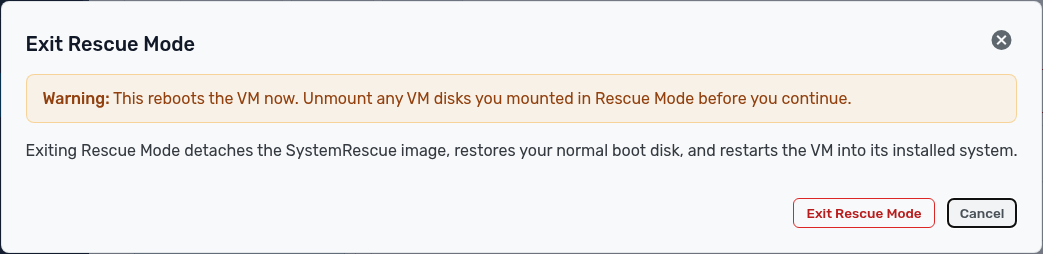
- Unmount any VM disks you mounted, then choose Exit Rescue Mode in the banner. Confirm Exit Rescue Mode in the dialog. The rescue image is detached and the VM restarts from its normal boot disk.
Check that the installed system and your applications work after the VM restarts.