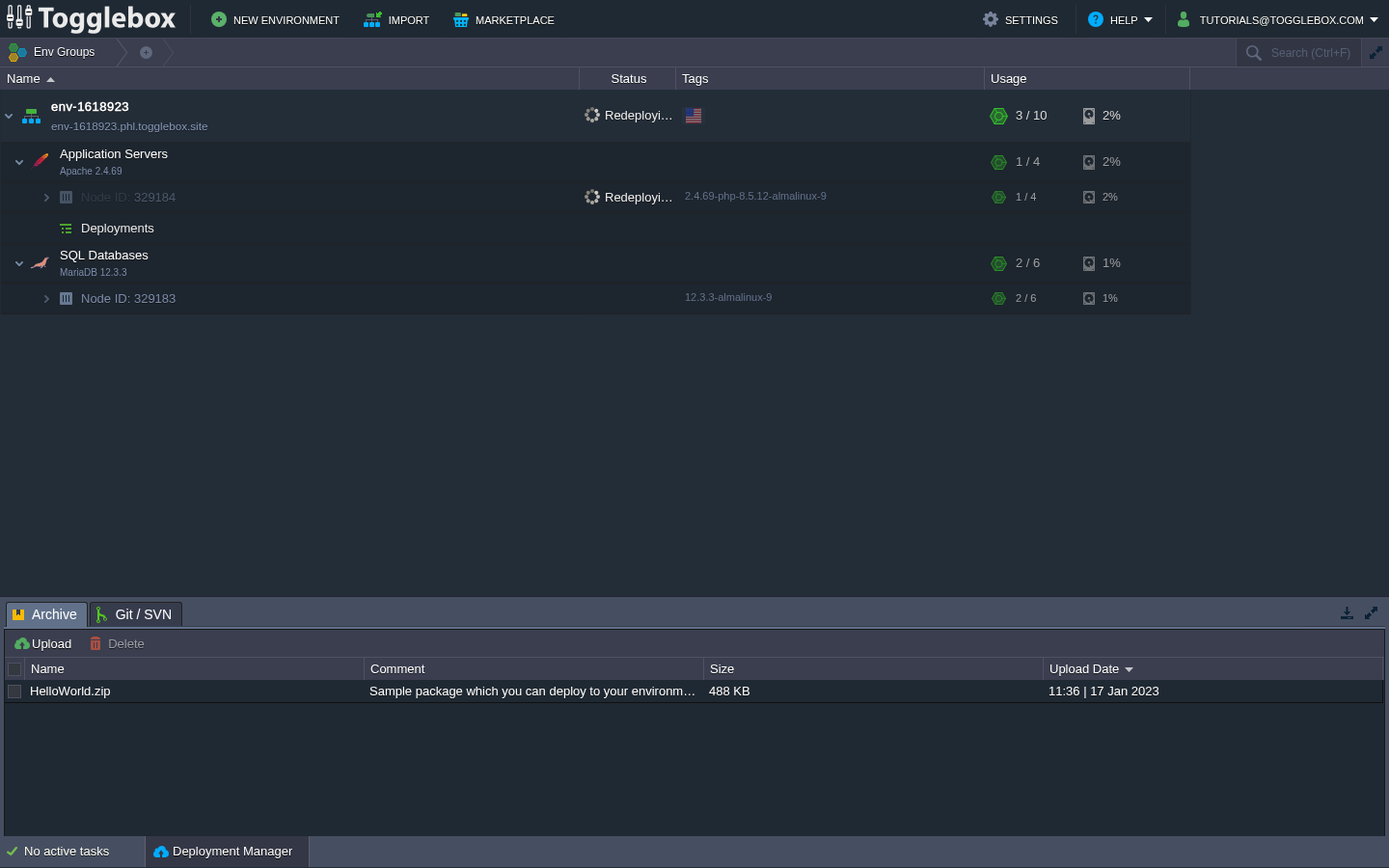
Check the current task before starting another App Hosting update. Repeated update attempts can make the problem harder to diagnose.
- Open the task area at the bottom of the App Hosting dashboard. Record the operation, environment, node ID, start time, and current result.
- If the task is still running, check for new progress. If it has failed, copy the error.
- If the error names a backup lock, check whether a backup is still running. If it names a deployment hook, keep the hook name and output.
- Send support the task details and the time you last saw progress. Include the requested runtime tag or application version and any recent configuration changes.
- Retry only after the failed operation or lock has been resolved. Check the final runtime and application behavior after a successful retry.
Do not kill a backup or database process just to clear a deployment lock. Remove secrets from logs before sharing them.