An HA group controls VM placement. Configure application replication and traffic failover separately.
VMs in an HA group run on different hosts, so one host failure affects at most one member. A VM can belong to one HA group at a time.
- Open your Cloud VPS service and click HA Groups.
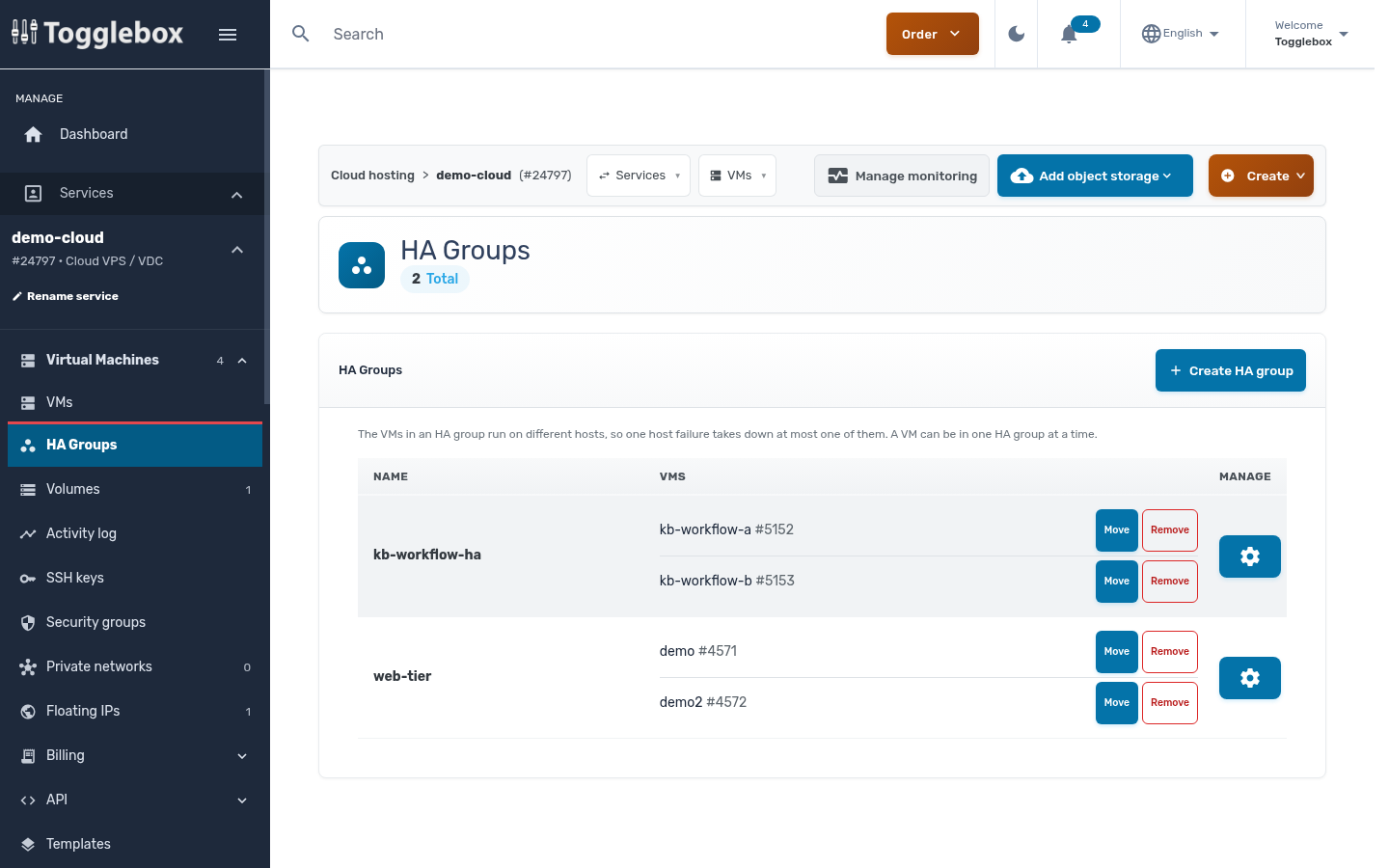
- Click Create HA group.
- Enter a name in HA GROUP NAME. Use letters, numbers, spaces, hyphens or underscores.
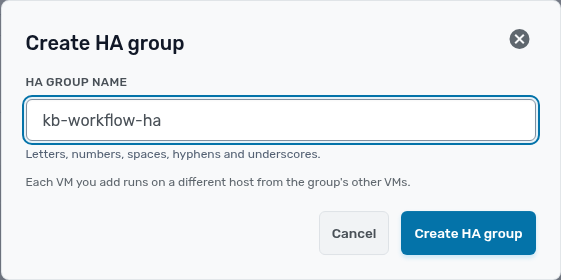
- Click Create HA group. Check that the new group appears in the list.
- Open the new group’s management menu and choose Add VM. Select a VM in VM, then click Add VM. Repeat for the other VMs you want in the group.
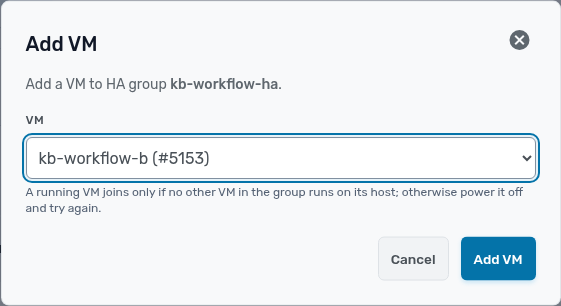
- Check that the intended VMs appear under the group.
A VM can belong to one HA group at a time. If a running VM cannot join because its host already contains another group member, power it off during a maintenance window and try again. Restart it after adding it.