New disks are hot-plugged, so the VM keeps running.
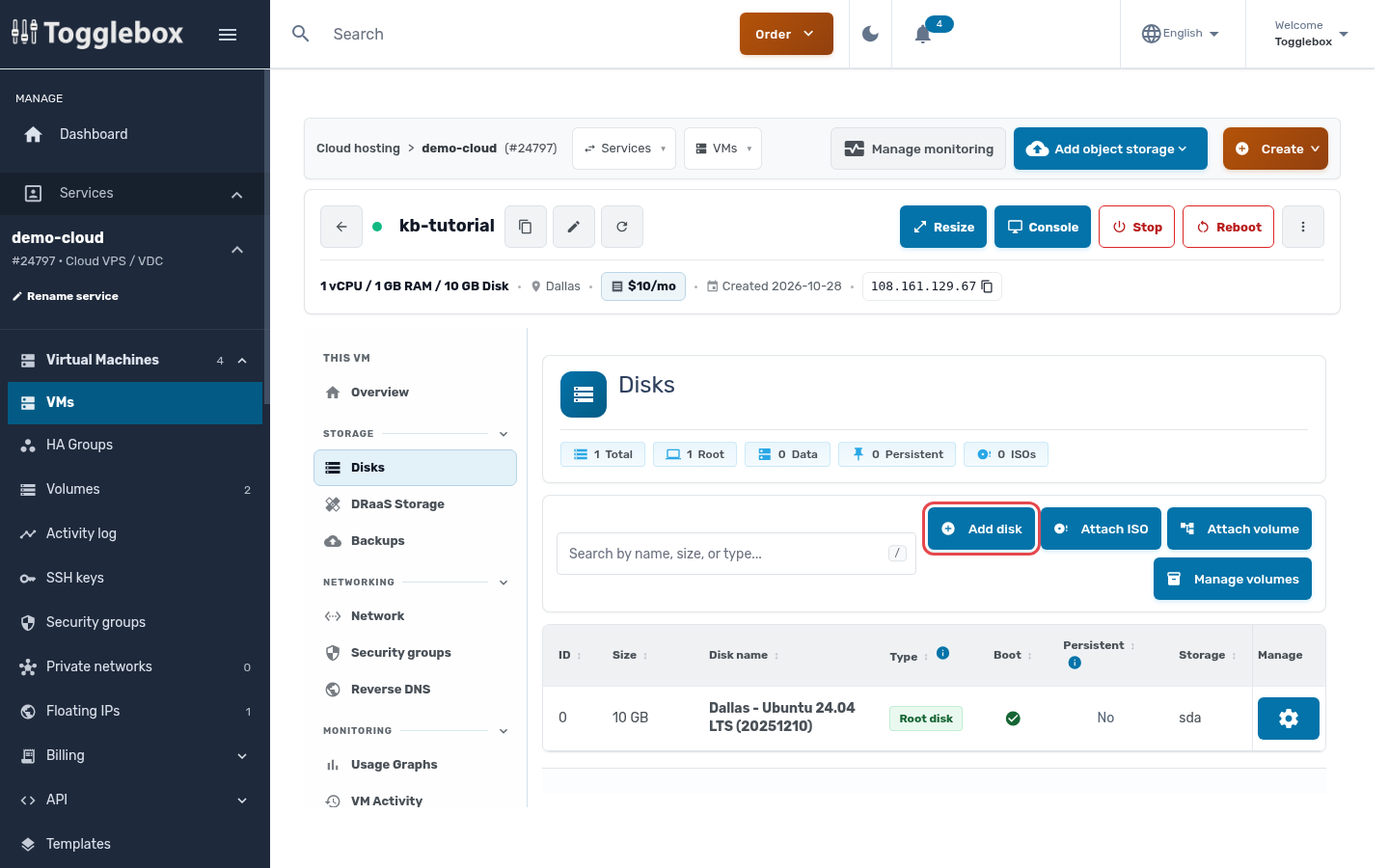
- Open the VM, click Disks in the left menu, then Add disk.
- Enter a Disk name, set Disk type to Data (Storage), and choose the size.
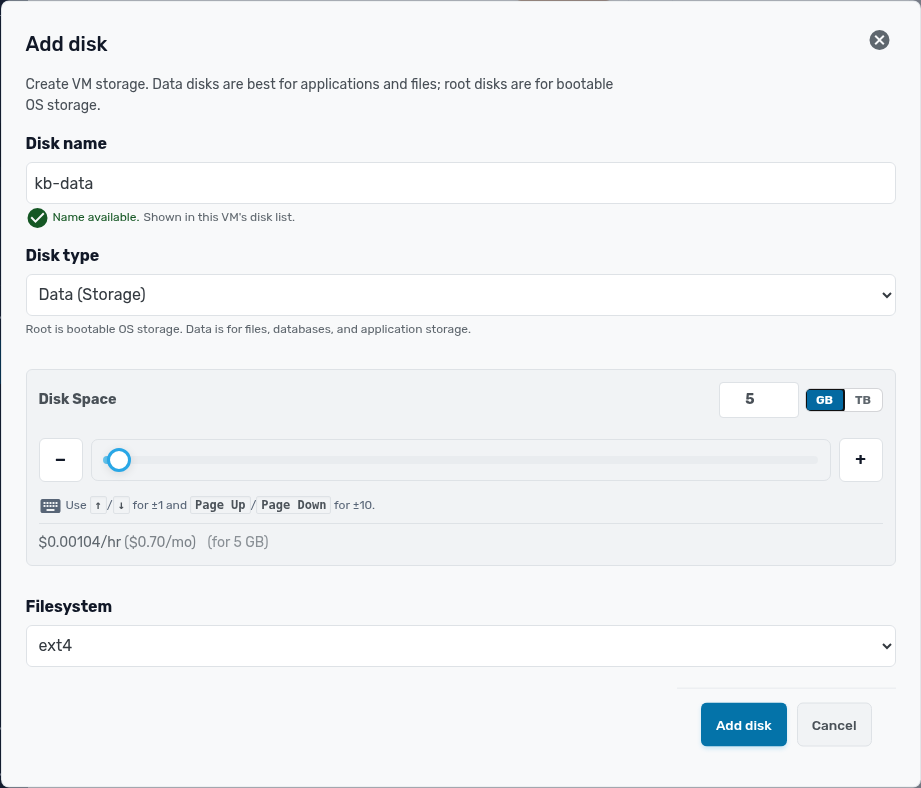
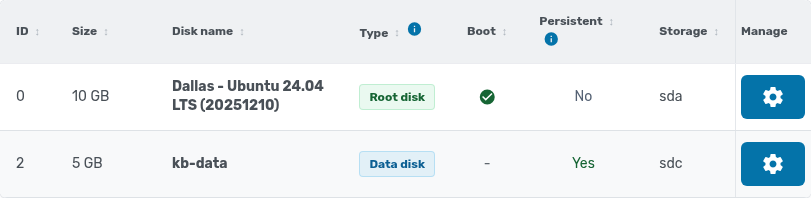
- Click Add disk. The disk appears in the list within a minute.
Format and mount it on Linux
Find the new disk with lsblk -f. It has no filesystem yet. Format it and mount it, replacing /dev/sdb with your disk:
mkfs.ext4 /dev/sdb
mkdir -p /data
mount /dev/sdb /data
echo "UUID=$(blkid -s UUID -o value /dev/sdb) /data ext4 defaults,nofail 0 2" >> /etc/fstab
On Windows, open Disk Management, initialize the new disk, and create a volume on it.
Data disks are persistent volumes: if you detach one, it stays in your volume library. See Move a disk to another VM.