A private network lets your VMs in one data center talk to each other without using public IPs. You can have one private network per data center.
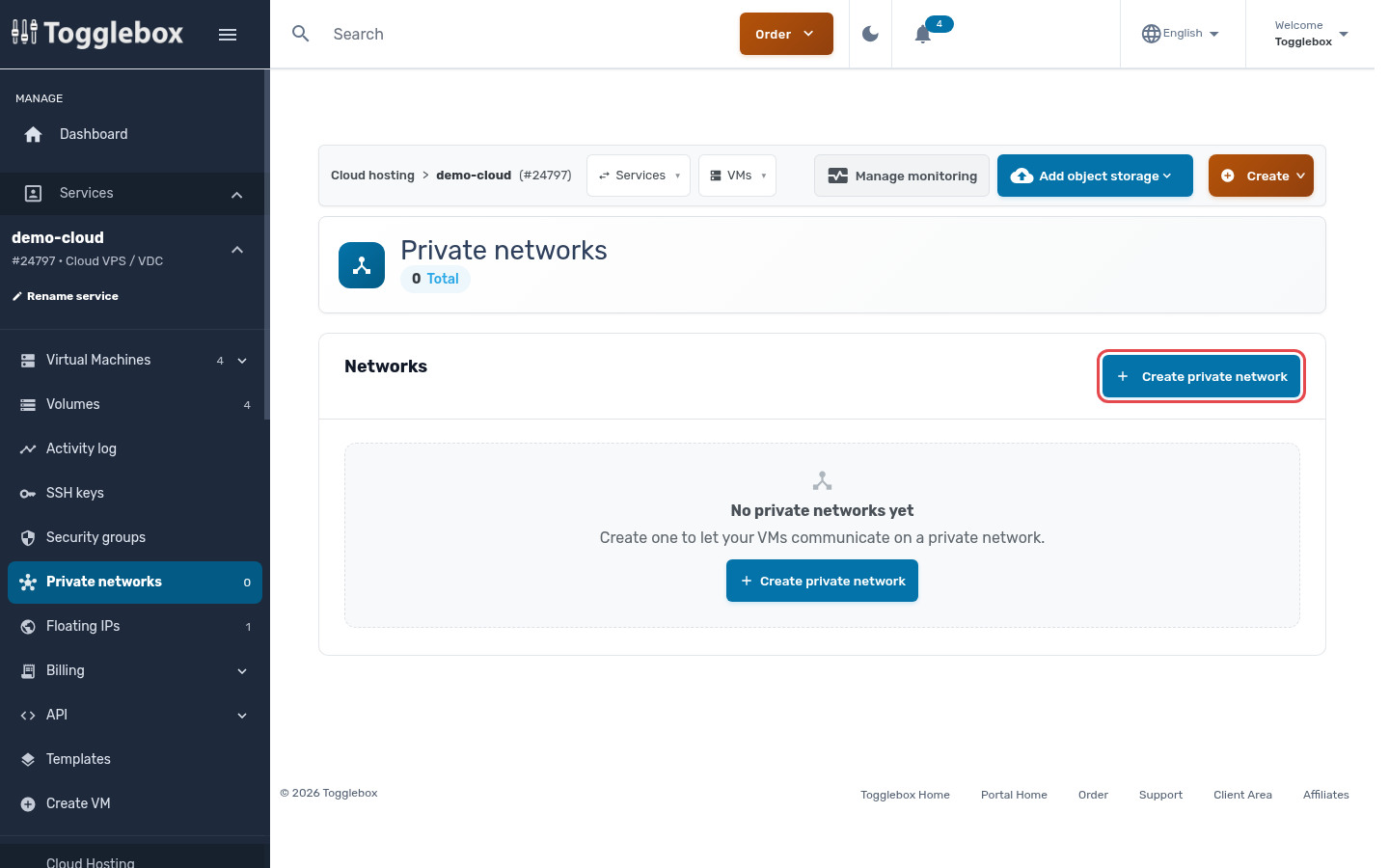
- In the service menu, open Private networks and click Create private network.
- Choose the Private network template for the data center your VMs are in, and enter a Network name.
- Set the Network address and Network prefix (CIDR). The default, 10.68.0.0/24 with gateway 10.68.0.1, suits most setups. Add DNS resolvers if you want something other than the defaults.
- Leave Assignment on Automatic (recommended) so VMs configure their private IP by themselves.
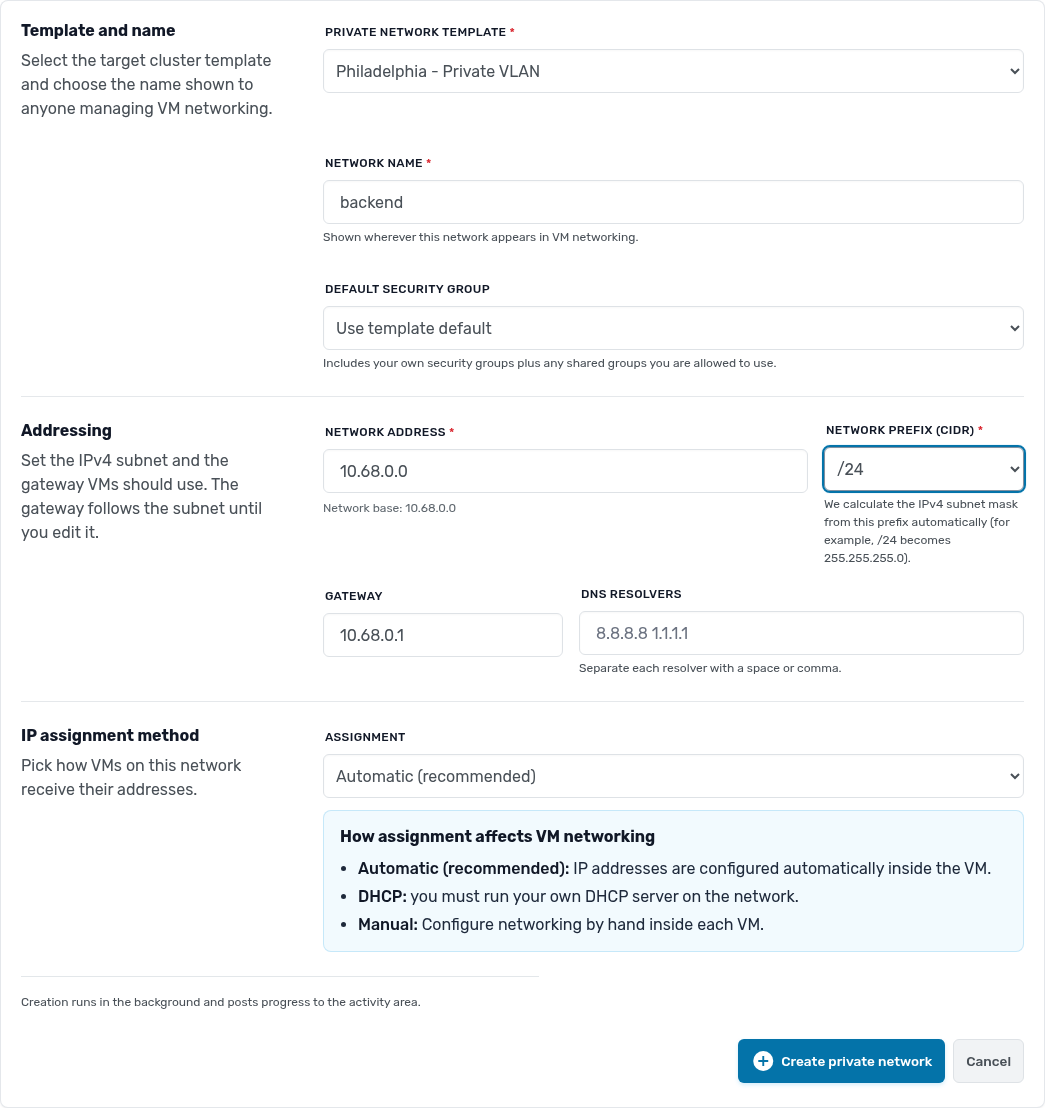
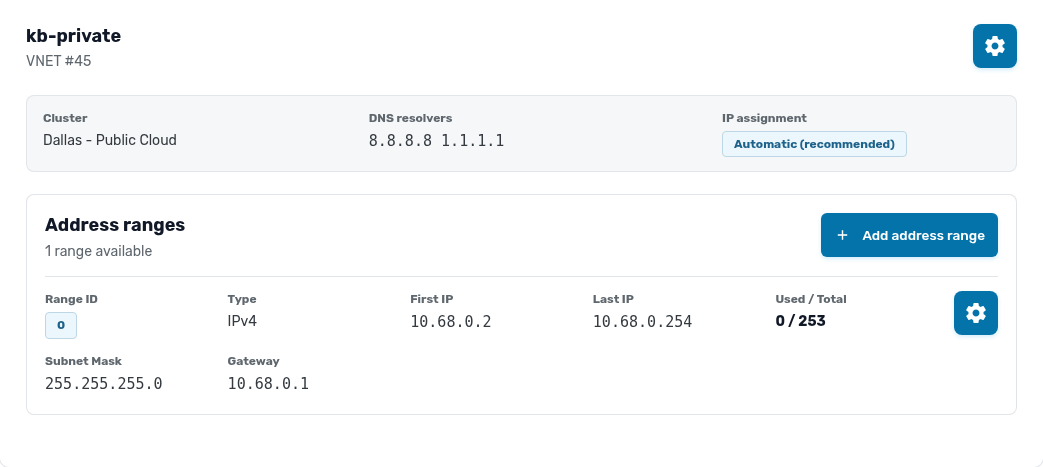
- Click Create private network. It appears on the Private networks page when it is ready.
To reach the internet from VMs that only have a private interface, set one VM up as a gateway, with both a public and a private interface, and point the others at it.