First create a private network in the same data center as the VM.
- Open the VM and click Network in the left menu.
- Under Add network interface, choose your private network.
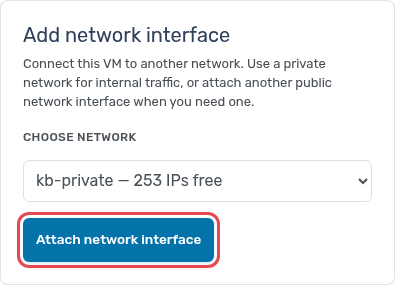
- Click Attach network interface and confirm. The VM gets the next free address on that network.
The interface is added while the VM runs. With the contextualization service installed, the address is configured inside the VM automatically. Repeat for each VM that should join the network.